Data Storage Converter
Convert between data storage units including bytes, kilobytes, megabytes, gigabytes, and more
Conversion Result
Converted to All Units
Common Data Storage Conversions
Decimal (SI) Units
- • 1 Kilobyte (KB) = 1,000 Bytes
- • 1 Megabyte (MB) = 1,000 KB = 1,000,000 Bytes
- • 1 Gigabyte (GB) = 1,000 MB = 1,000,000,000 Bytes
- • 1 Terabyte (TB) = 1,000 GB
- • 1 Petabyte (PB) = 1,000 TB
Binary (IEC) Units
- • 1 Kibibyte (KiB) = 1,024 Bytes
- • 1 Mebibyte (MiB) = 1,024 KiB = 1,048,576 Bytes
- • 1 Gibibyte (GiB) = 1,024 MiB = 1,073,741,824 Bytes
- • 1 Tebibyte (TiB) = 1,024 GiB
- • 1 Pebibyte (PiB) = 1,024 TiB
Understanding Data Storage Units
Data storage is measured in units based on the byte, which consists of 8 bits. A bit is the smallest unit of digital information, representing a single binary value of 0 or 1. There are two standard systems for measuring data: the decimal (SI) system using powers of 1,000, and the binary (IEC) system using powers of 1,024. The distinction matters because the difference grows larger at higher magnitudes — a terabyte (TB) is about 9.1% smaller than a tebibyte (TiB).
Decimal (SI) Prefixes — Base 10
Decimal prefixes follow the International System of Units (SI), where each step is a factor of 1,000. These are the units used by storage manufacturers to label hard drives, SSDs, and USB devices.
- Byte (B): 8 bits. The fundamental unit of digital information, enough to encode a single ASCII character.
- Kilobyte (KB): 1,000 bytes (10³). A few kilobytes can store a short text document or a small image thumbnail.
- Megabyte (MB): 1,000,000 bytes (10⁶). Typical size for a high-resolution photo or a short audio clip.
- Gigabyte (GB): 1,000,000,000 bytes (10⁹). A standard unit for RAM capacity, app sizes, and mobile data plans.
- Terabyte (TB): 10¹² bytes. Common capacity for consumer hard drives and SSDs.
- Petabyte (PB): 10¹⁵ bytes. Used in data centers and large-scale enterprise storage.
- Exabyte (EB): 10¹⁸ bytes. Used to describe global data traffic and hyperscale cloud storage.
Binary (IEC) Prefixes — Base 2
Binary prefixes were standardized by the International Electrotechnical Commission (IEC) in 1998 to eliminate ambiguity. Each step is a factor of 1,024 (2¹⁰). Operating systems like Windows traditionally report storage in binary units but label them with SI names, which causes the well-known "missing space" confusion.
- Kibibyte (KiB): 1,024 bytes (2¹⁰).
- Mebibyte (MiB): 1,048,576 bytes (2²⁰).
- Gibibyte (GiB): 1,073,741,824 bytes (2³⁰).
- Tebibyte (TiB): 1,099,511,627,776 bytes (2⁴⁰).
- Pebibyte (PiB): 2⁵⁰ bytes. Used in high-performance computing and large-scale storage.
- Exbibyte (EiB): 2⁶⁰ bytes. Theoretical scale for massive data systems.
Why Your Hard Drive Shows Less Space
When you buy a "1 TB" hard drive, the manufacturer means 1,000,000,000,000 bytes (decimal). However, your operating system may report capacity in binary units while still labeling them "GB." This creates a visible discrepancy:
Advertised (SI)
- • 256 GB = 256,000,000,000 B
- • 512 GB = 512,000,000,000 B
- • 1 TB = 1,000,000,000,000 B
- • 2 TB = 2,000,000,000,000 B
Shown by OS (Binary)
- • 256 GB → ~238.4 GiB
- • 512 GB → ~476.8 GiB
- • 1 TB → ~931.3 GiB
- • 2 TB → ~1,862.6 GiB
Difference
- • KB vs KiB: ~2.4% difference
- • MB vs MiB: ~4.9% difference
- • GB vs GiB: ~7.4% difference
- • TB vs TiB: ~9.1% difference
Real-World Storage Examples
Small Files
- • Plain text email: ~2 KB
- • Word document: 25-500 KB
- • JPEG photo: 2-5 MB
- • MP3 song (4 min): ~4 MB
Medium Files
- • RAW photo: 20-80 MB
- • Smartphone app: 50-500 MB
- • HD movie (90 min): 4-5 GB
- • AAA video game: 50-150 GB
Large Scale
- • Blu-ray disc: 25-50 GB
- • Consumer SSD: 256 GB-4 TB
- • Library of Congress: ~20 PB
- • Daily internet traffic: ~5 EB
References
The conversion factors and definitions used in this converter are based on internationally recognized standards:
Note: All conversions use exact values. Decimal (SI) prefixes use powers of 1,000 as defined by the International System of Units, while binary (IEC) prefixes use powers of 1,024 as defined by IEC 80000-13. Storage manufacturers typically use SI units (1 GB = 1,000,000,000 bytes), while some operating systems report sizes in binary units (1 GiB = 1,073,741,824 bytes). This converter supports both systems for accurate cross-system conversions.
Related Calculators
Recommended Calculator
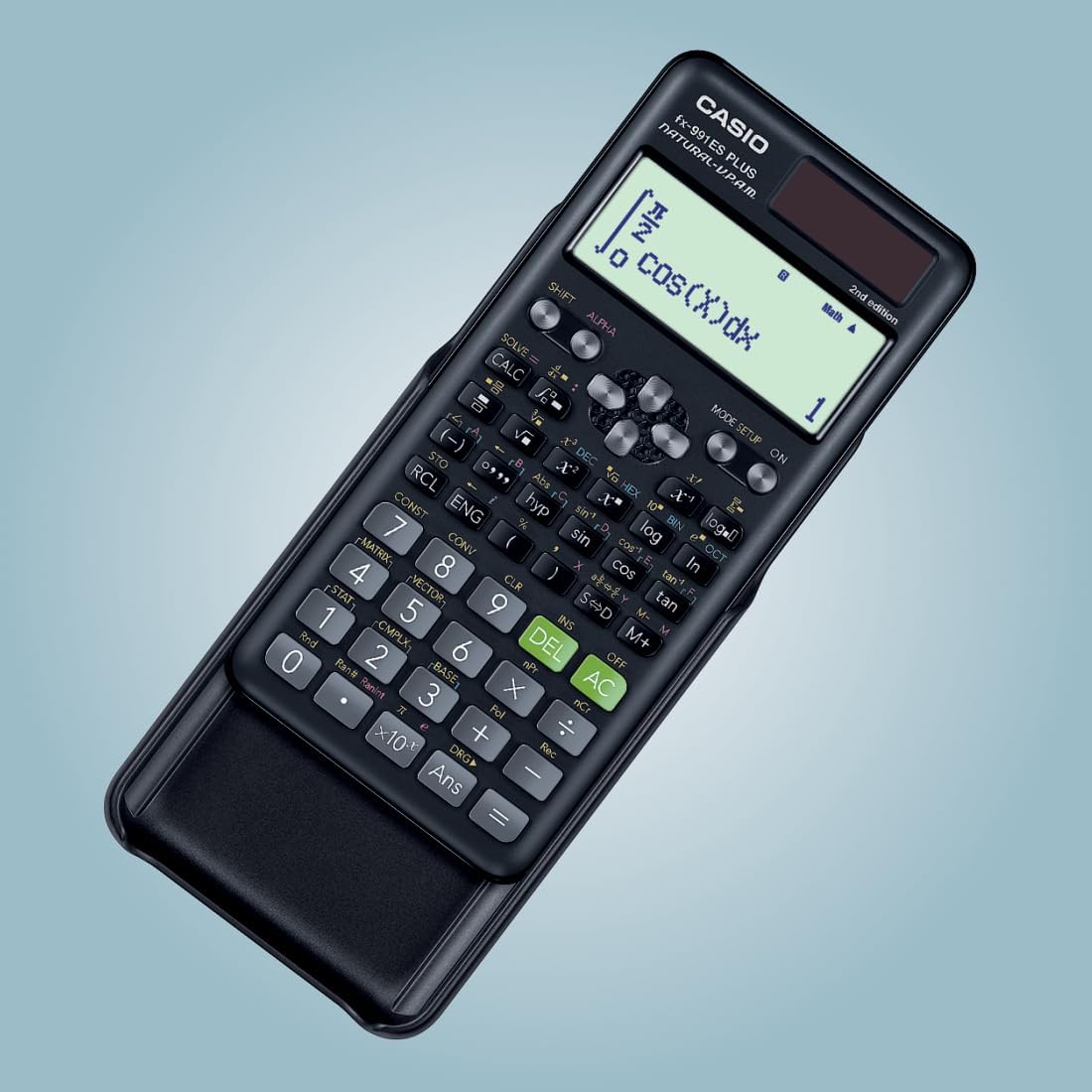
Casio FX-991ES Plus
The professional-grade scientific calculator with 417 functions, natural display, and solar power. Perfect for students and professionals.
View on Amazon