Control Chart Calculator
Create control charts with upper and lower control limits to monitor process stability and detect variations
Enter individual measurements separated by commas. At least 2 values are required.
Enter one subgroup per line. Each subgroup should have the same number of values. At least 2 subgroups are required.
Upper Control Limit (UCL)
Center Line (CL)
Lower Control Limit (LCL)
Process Statistics
Number of Points
Process Mean
Standard Deviation
Process Stability
Out-of-Control Signals
Control Chart
Data Summary
About Control Charts
A control chart, also known as a Shewhart chart, is a statistical tool used in Statistical Process Control (SPC) to determine whether a manufacturing or business process is in a state of statistical control. Developed by Walter A. Shewhart in the 1920s at Bell Laboratories, control charts display data points over time against calculated control limits to distinguish between common cause variation (inherent to the process) and special cause variation (unusual events).
Components of a Control Chart
- Center Line (CL): The average (mean) of the plotted data, representing the expected value of the process
- Upper Control Limit (UCL): Typically set at 3 standard deviations above the center line
- Lower Control Limit (LCL): Typically set at 3 standard deviations below the center line
- Data Points: Individual measurements or subgroup statistics plotted in time order
Chart Types
Individuals (X-mR)
Used when each sample consists of a single measurement. Pairs the individuals chart (X) with a moving range chart (mR) that tracks variation between consecutive points.
X̄-R Chart
Used for subgroups of size 2–10. Plots subgroup means (X̄) and ranges (R). The range is the difference between the largest and smallest values in each subgroup.
X̄-S Chart
Used for larger subgroups (n > 10). Plots subgroup means (X̄) and standard deviations (S). Provides a more precise estimate of variability for larger samples.
Nelson Rules for Out-of-Control Signals
This calculator checks for the most commonly applied Nelson rules:
- Rule 1: One point beyond the 3σ control limits
- Rule 2: Nine consecutive points on the same side of the center line
- Rule 3: Six consecutive points steadily increasing or decreasing (trend)
- Rule 4: Fourteen consecutive points alternating up and down
SPC Constants Used
| n | A2 | D3 | D4 | A3 | B3 | B4 | d2 |
|---|---|---|---|---|---|---|---|
| 2 | 1.880 | 0 | 3.267 | 2.659 | 0 | 3.267 | 1.128 |
| 3 | 1.023 | 0 | 2.574 | 1.954 | 0 | 2.568 | 1.693 |
| 4 | 0.729 | 0 | 2.282 | 1.628 | 0 | 2.266 | 2.059 |
| 5 | 0.577 | 0 | 2.114 | 1.427 | 0 | 2.089 | 2.326 |
| 10 | 0.308 | 0.223 | 1.777 | 0.975 | 0.284 | 1.716 | 3.078 |
When to Use Control Charts
- Monitoring a manufacturing process for consistency over time
- Determining whether a process change has had a statistically significant effect
- Identifying trends, shifts, or cycles in process data
- Distinguishing between common cause and special cause variation
- Providing evidence for continuous improvement initiatives (Six Sigma, Lean)
Common Applications
Manufacturing
- • Part dimension monitoring
- • Weight and fill volume tracking
- • Machine performance over shifts
- • Defect rate monitoring
Healthcare
- • Patient wait times
- • Infection rates over time
- • Lab test turnaround times
- • Medication error tracking
Software & IT
- • Server response time monitoring
- • Bug count per sprint
- • Deployment frequency tracking
- • Customer support ticket volume
References
The formulas, constants, and rules used in this calculator are based on established statistical process control standards and literature:
- NIST/SEMATECH e-Handbook of Statistical Methods — What are Control Charts?
- ASQ (American Society for Quality) — Control Chart
- NIST — Variables Control Charts
- Quality Digest — Nelson Rules for Control Charts
- Montgomery, D. C. (2019). Introduction to Statistical Quality Control (8th ed.). Wiley.
- Wheeler, D. J., & Chambers, D. S. (1992). Understanding Statistical Process Control (2nd ed.). SPC Press.
Related Calculators
Note: This calculator uses standard SPC constants and 3-sigma limits by default. Control limits are calculated from the data and represent the voice of the process — they are not specification limits. Always ensure your data is collected from a stable process before interpreting control limits.
Recommended Calculator
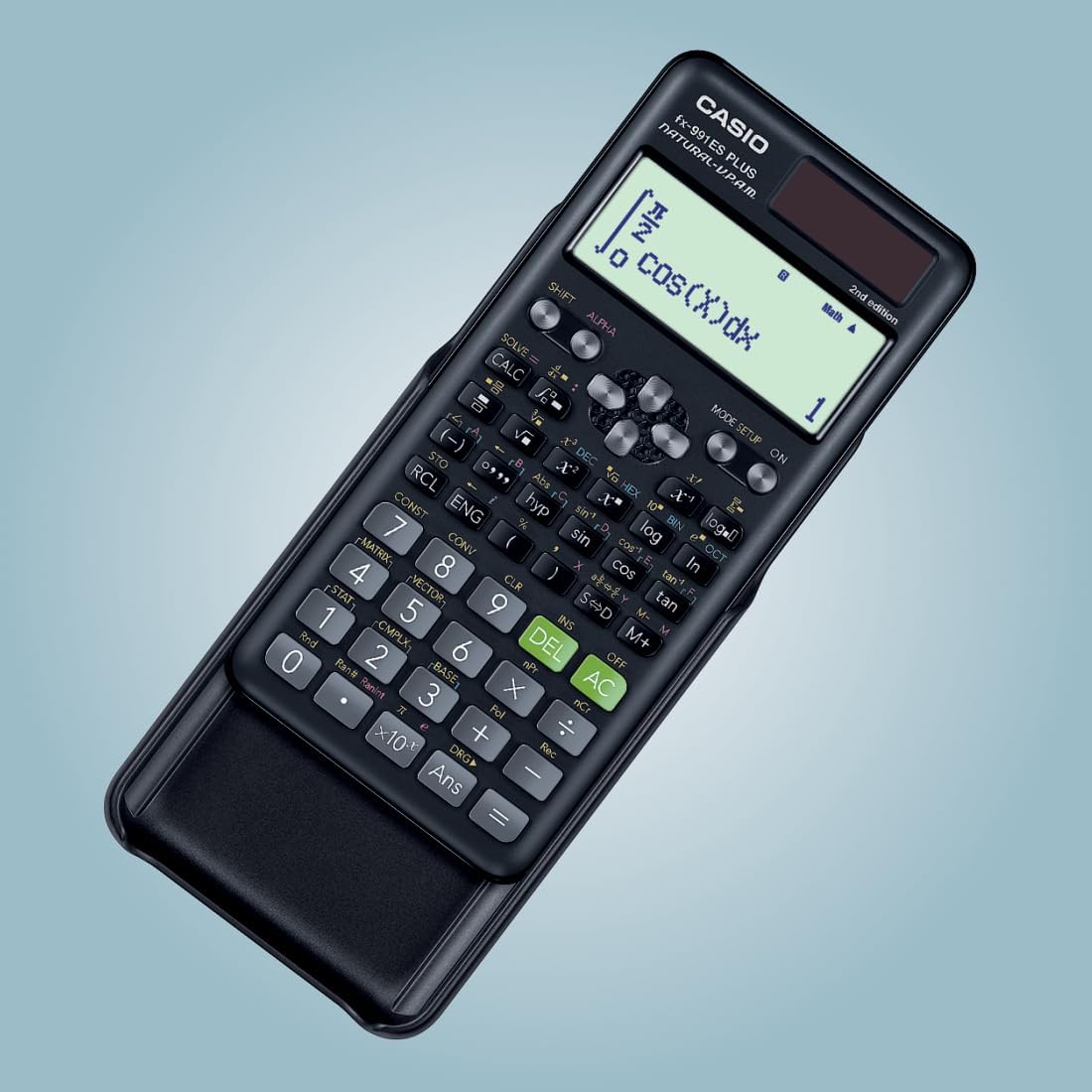
Casio FX-991ES Plus
The professional-grade scientific calculator with 417 functions, natural display, and solar power. Perfect for students and professionals.
View on Amazon